
Why pharma is driving the label printer market, and what that means for your printer
The market for digital label printing is growing on the back of stricter regulation in chemicals and pharma. What that growth means for the machine on your shop floor, and the four things worth checking now.
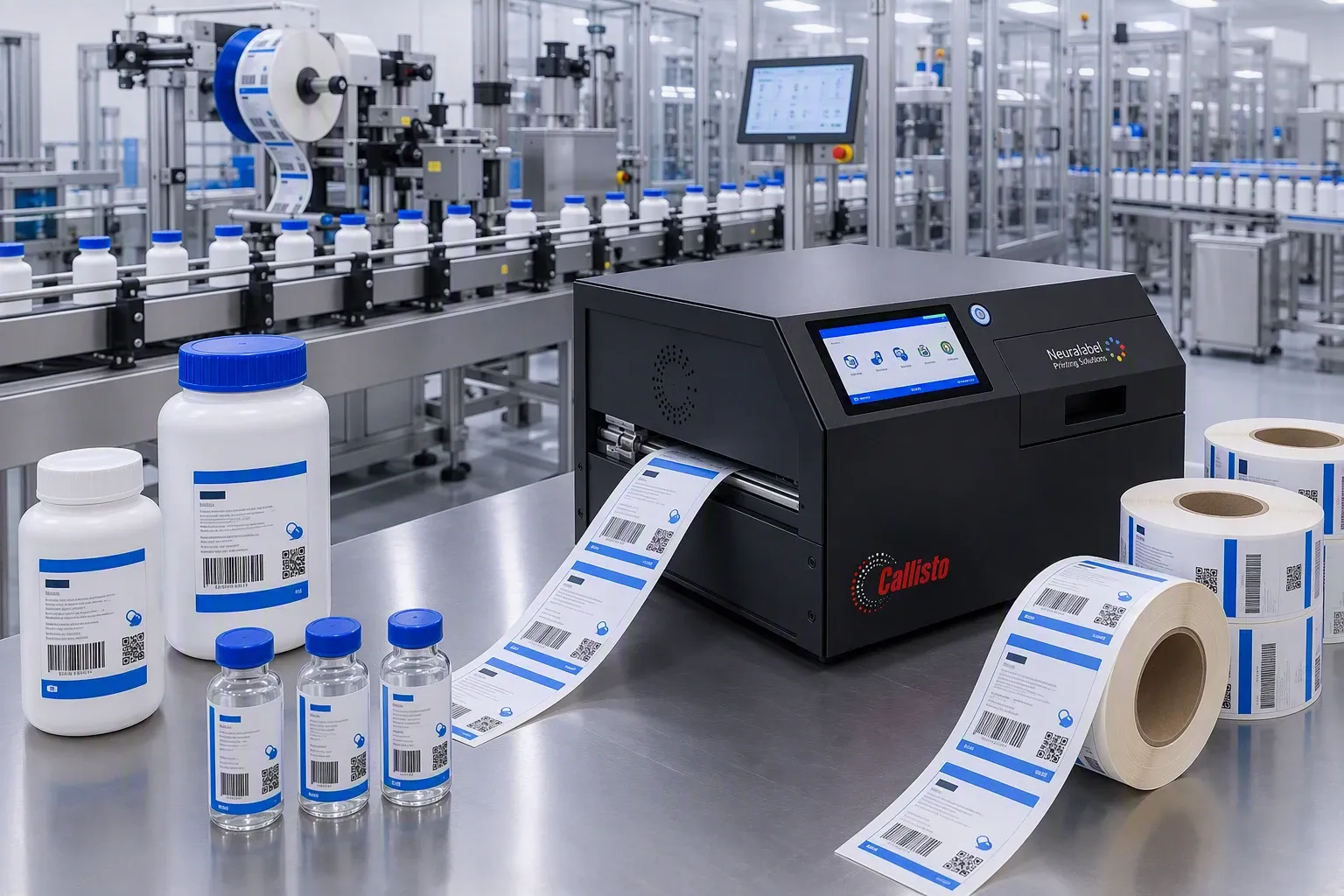
The market for digital label printing is growing at 5.3% a year and is expected to reach $20.6 billion by 2035. The main driver? Strict regulation and traceability requirements in chemicals and pharma. A label printer that can handle pharma compliance is no longer a nice-to-have. It is infrastructure.
But you knew that already. Because you are the one explaining to the auditor why a label went through crooked anyway.
What is going on
Within the pharmaceutical sector the labelling market is growing further still: estimated at more than $9 billion by 2033. That has everything to do with:
- Stricter traceability requirements, such as serialisation and batch tracking
- More new drug approvals and more complex packaging
- Globalisation of the supply chain, with multiple languages and region-specific label formats
The same story holds for chemicals: the GHS labelling rules are being revised, and every revision means labels have to be reworked, reprinted and rechecked. We wrote about that earlier in Why the NeuraLabel Callisto is the right choice for the chemicals industry.
What this means for your printer in practice
More regulatory pressure = more labels = more running hours for your printer. That is arithmetic. But it also means more wear and more chance of print problems, precisely at the moment when a label that is off is at its most expensive.
A NeuraLabel Callisto that prints a perfect barcode ten times an hour is excellent. One that almost does is an audit report in the making.
Four points to check now:
- Printhead. The load increases at higher volumes. Check print quality on small text and barcodes regularly: that is where you will spot a failing nozzle first.
- Material compatibility. Are you printing on new label formats or different material because the rules changed? Then test whether your current combination of ink and label material still meets the adhesion specification.
- Calibration log. In a regulated environment you have to be able to document when calibration last took place. “Sometime last year” is not an answer.
- Firmware. Digital label printers are increasingly linked to an ERP or WMS system. Firmware that lags behind can cause complications when a new link is set up.
How long does a well-maintained NeuraLabel last?
With regular preventive maintenance a NeuraLabel printer lasts five to seven years in an industrial environment. At higher print volumes or with aggressive media, such as chemically resistant labels, that is closer to three to five years. Unless you replace wear parts in good time.
That is exactly why we would rather schedule a service visit before something breaks than after. A precautionary visit costs a morning. Unplanned downtime during a production run costs more than that, and we both know it.
Finally
Aladin Code supplies and maintains NeuraLabel label printers for the chemicals and pharmaceutical industries in Belgium and the Netherlands. Would you like to know which model suits your label, your volume and your environment? Work through our selection guide: five short questions and you get a reasoned recommendation. Not sure whether your current machine still keeps up with the regulatory pressure? Get in touch.
Frequently asked questions
How often does an industrial label printer in pharma need servicing?
At least once a year, more often at higher print volumes. In a regulated environment a maintenance log is also a documentation requirement, not merely a good idea.
What are the most common causes of label quality problems?
Printhead wear, incompatible label material and outdated firmware are the three big culprits. Sometimes it is simply dirt on the printhead, but that sounds less impressive in a report.
Do I need to recalibrate my label printer after changing material?
Yes. Different label material often calls for recalibration to keep print quality and label detection correct. Do it before you start a new batch, not afterwards.
Does a NeuraLabel printer work with our ERP or WMS system?
NeuraLabel printers work with the common connections. But after a firmware update or a change to your system it is wise to test the link again. We will help with that if you need us to.
How do I know when my printhead needs replacing?
Declining print quality on small text and barcodes is the first indicator. You do not have to wait until the print drops out altogether. By that point you are already too late.