Best entry-level model
Afinia Label
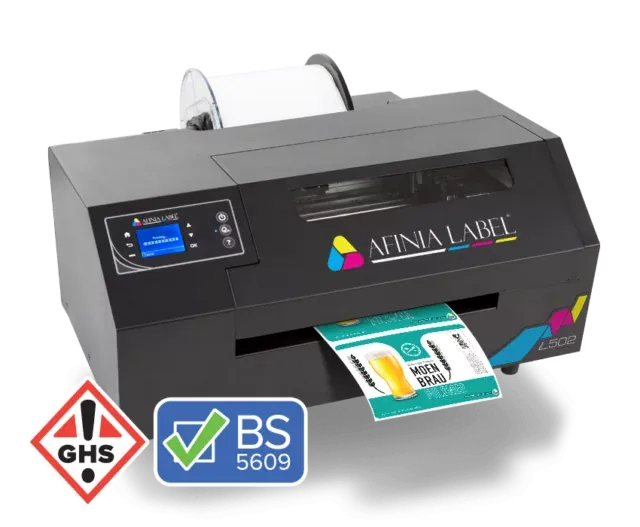
Afinia Label L502
Getting started with printing labels in house.
The L502 is the machine with which businesses take the step from ordering labels to printing them. Despite the entry-level price it is an industrially built machine in steel, and it is the only one in the Afinia range that works with both dye and pigment ink — including BS5609-certified ink for long-lasting applications.
Price on request — matched to your volume and accessories.
- 20,000+Labels per month
- 216 mmMax. print width
- Duo inkDye and pigment
- BS5609With pigment ink
What sets this model apart
Why businesses choose the L502.
Dye and pigment in one machine
The L502 is the only one in the Afinia range that works with both types of ink. Vivid colours for the shelf, or durable pigment ink for labels that have to take a knock — on the same machine.
BS5609-certified ink available
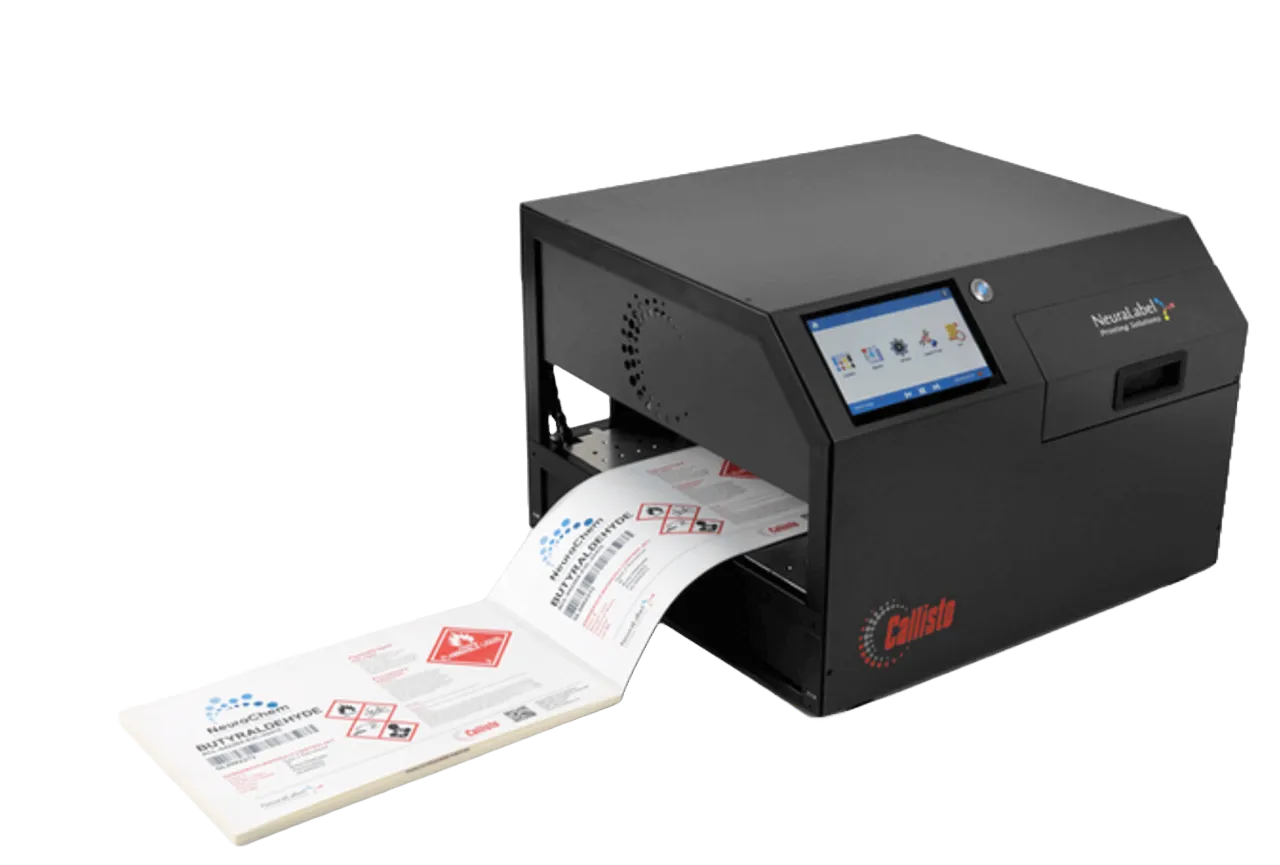
With pigment ink the L502 meets the standard for labels on hazardous substances. For full GHS labelling we recommend the Callisto, but the option is there.
Industrially built
An all-steel construction, not a plastic desktop housing. You notice that as soon as the machine sits on a shop floor rather than in an office.
Separate CMYK cartridges
You only replace the colour that has run out. On labels that use a lot of one colour, that makes a considerable difference to consumption.
The lowest barrier to entry
Of the four models, the L502 asks the smallest investment. For anyone who wants to start printing in house without rebuilding a production line straight away.
Twice as fast as its predecessor
Afinia states that the L502 prints twice as fast as the L501 it replaces, with the same simplicity of operation.
What is this machine made for?
It suits your situation if…
- Volume
- Low to medium — 2,500 to 20,000+ labels a month
- Environment
- Indoors and damp; with pigment ink also more demanding applications
- Material
- Inkjet-coated paper and synthetic labels
- Typical application
- Product labels, drinks, warehouse and shipping labels, nutraceuticals
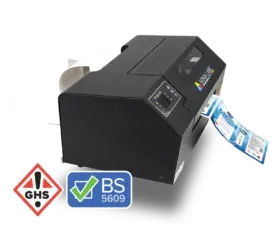
The L502 with GHS and BS5609-certified labels 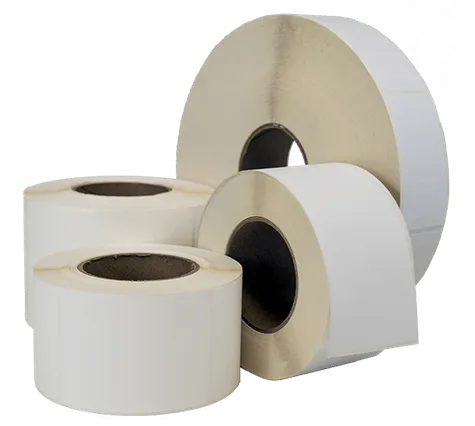
Roll labels, always with a 3-inch core
Specifications
The technical data.
Available soon
| Print technology | Thermal inkjet with DuraPrime Duo Ink, steel construction |
|---|---|
| Print resolution | Up to 4800 dpi |
| Print speed | Up to 3 inches per second (ips) — twice as fast as the L501You set the speed yourself per job, depending on what you are printing. |
| Max. print width | 216 mm (8.5 inches) |
| Max. roll diameter | 203 mm (8 inches) |
| Volume guidance | 2,500 to 20,000+ labels a month |
| Ink type | Dye and pigment, interchangeableWith pigment ink, BS5609-compliant labels are possible; dye gives more vivid colours. |
| Ink cartridges | Separate CMYK cartridges |
| Ink cost per label | Average (as stated by Afinia Label) |
| Standards | BS5609 possible with certified pigment ink and label material |
| Suitable media | Inkjet-coated paper and synthetic material |
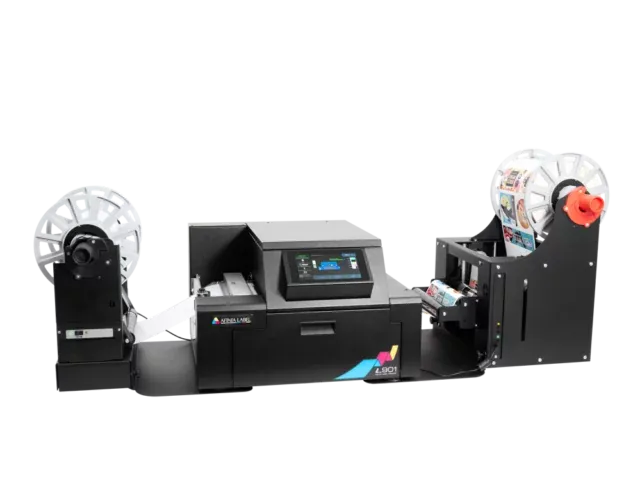
| Roll-to-roll | Possible with the L502 rewinder (separate accessory) |
Specifications as officially stated by Afinia Label. Subject to change.
Ink, labels & accessories
A printer is only the beginning.
The real work is in what goes through it every week afterwards. Aladin Code supplies the ink, the labels and the accessories that belong with this machine — so that you have one point of contact instead of three.
Ink for the L502
The L502 works with its own CMYK cartridges, in a dye or pigment version. They are model-specific: cartridges from the L801 or L901 do not fit. Which ink suits you depends on what your label has to survive.
- Separate CMYK cartridges — you only replace the colour that has run out
- Dye ink for vivid colours and the lowest cost
- BS5609-certified pigment ink for long-lasting labels
- Switching between the two types of ink is possible
Labels for the L502
Which label you need depends on your product and not on your printer. One condition always applies: the material has to have an inkjet coating. For pigment ink and BS5609, certified material is needed as well.
- All standard sizes and labels cut to measure
- Widths up to 216 mm, rolls up to 203 mm in diameter
- Inkjet-coated paper and synthetic materials
- BS5609-certified material when you work with pigment ink
Accessories
Unwinders, rewinders and maintenance parts that complete the production around this machine. We supply and maintain those too.
- L502 rewinder for roll-to-roll production
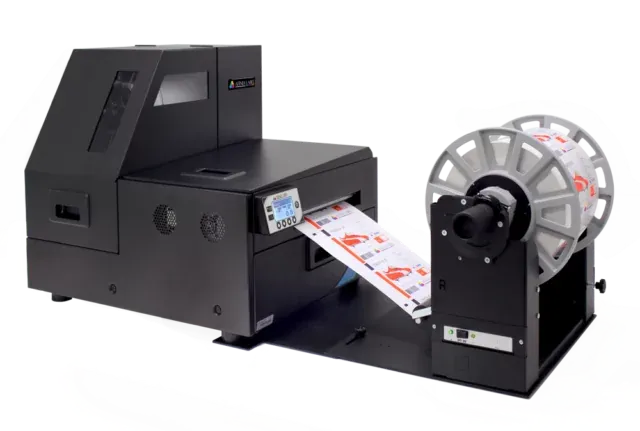
- Unwinders and rewinders from Labelmate
- Spare cartridges in dye or pigment version
In practice
What this machine looks like in a business.
Three situations from industries where we install this printer most often — each starting with the problem it began with.
Cosmetics
Belle Nature, a small producer of natural personal care products
The situation
Eight products, each in two sizes, with a revised ingredients list on a regular basis. The printing house asked for a minimum of 1,000 labels per variant — a year’s stock that became worthless after a single recipe change.
Why this machine
With the L502, Belle Nature prints a few hundred labels per production round. Dye ink gives the colour depth the brand wants, and a recipe change costs nothing more than an adjusted file.
E-commerce & shipping
Kempen Outdoor, an online shop for camping equipment
The situation
A few hundred shipping labels a day plus product labels for their own house brand. Two different outside suppliers, two waiting times and two invoices.
Why this machine
Both kinds of label now come off the same machine. The volume fits comfortably within what the L502 can handle, and shipping labels get printed at the moment the order comes in.
Artisanal food
Hoeve Zomerheide, a farm shop with its own dairy
The situation
Changing daily production, changing use-by dates and labels that get damp in refrigeration. Pre-printed labels with a blank date strip looked untidy.
Why this machine
The L502 prints the complete label including the date, and with pigment ink it stays legible in the chilled display. Short runs per day are no longer an obstacle.
The examples above are fictional. They are based on situations we come across in practice, but the company names are invented.
Frequently asked questions
What customers ask us about this model.
Is your question not here? Feel free to email —info@aladincode.com
What volume is the Afinia Label L502 intended for?
Afinia states 2,500 to well over 20,000 labels a month, roughly 125 to 1,000 per working day. If you are structurally above that, the L801 is the better investment — it prints faster and more cheaply per label.
Can the L502 print GHS labels?
Technically yes: with BS5609-certified pigment ink and the right label material the L502 meets the standard. For businesses that print GHS labels as a matter of course we still recommend the NeuraLabel Callisto — it is wider, faster and purpose-built for that work.
What is the difference between dye and pigment ink on this machine?
Dye ink gives more vivid colours at a lower cost and is intended for labels that last weeks to months. Pigment ink resists water, UV and chemicals and lasts for years. On the L502 you can switch between the two depending on the application.
Is the rewinder included?
No, the L502 rewinder is a separate accessory. For short runs the machine works perfectly well without one; if you want longer runs to continue unattended, it is worth having.
What is the delivery time?
That depends on whether the machine is in stock or has to be ordered. Allow about a week; we agree the exact term when you order.
How much maintenance does this machine need?
In principle we only step in when there is a problem. We do recommend a yearly service to replace anything showing wear as a precaution. If it breaks down, we are usually on site within two working days.
Can I move up to a larger model later?
Certainly. Many businesses start with the L502 and move to an L801 after a few years when the volume grows. The labels and the way of working stay the same; only the machine and the cartridges change.
Quote
What does the Afinia Label L502 cost in your situation?
That depends on your volume, your labels and the accessories you need. Tell us those three and you will get a concrete proposal — not a guide price out of a catalogue.
We fill in the subject of your message with Afinia Label L502 for you.