
Label printer media running crooked? Three checks before you call the technician
Is the media on your label printer pulling to one side? Usually the cause is mechanical and something you can fix yourself. Three checks you can do in ten minutes, without tools.
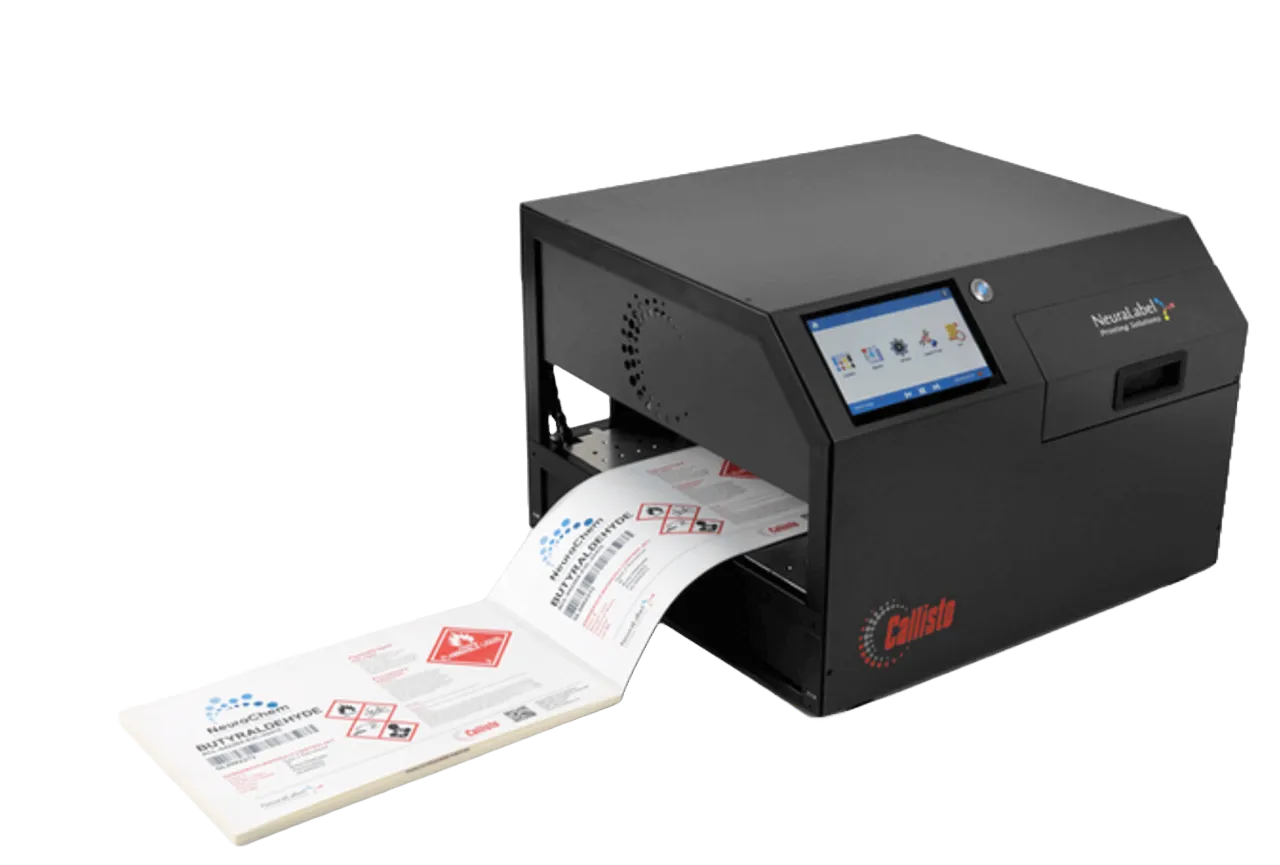
The roll is drifting left. Or right. What is certain is that it is not running straight, and the operator has been staring at it for three minutes. When the media on your label printer pulls to one side, the cause is mechanical in most cases, which means you can fix it yourself. Below are the three checks we work through in a fixed order on a NeuraLabel Callisto, without tools.
Check 1: are the media guides set correctly?
This is suspect number one. Take the media out of the printer and loosen the thumbscrew on the media guides. Slide the media straight into the feed slot and set the guides so they lightly touch the outer edge of the liner. Do not clamp it: a guide that pushes is exactly what pulls the media off course.
Then gently push the media in until the printer grabs it (you will feel a small tug), and only then switch on the unwinder. Switch the unwinder on first and you get to start over.
Check 2: are the unwinder and rewinder in line with the printer?
If the media keeps running crooked, the problem often sits in front of or behind the printer. Loosen the thumbscrews on the base plate of the unwinder and slide it forwards or backwards until the media is exactly in line with the feed. Also set the guide on the tension bar so that it touches the media gently. Do the same on the rewinder side: the media must lie flat against the output surface on both sides.
On a 12-inch system there is one more thing: the sliding tray must be set to the total media width, including the liner. 4-inch labels on liner come to 4.25 inches, and that is where the arrow on the ruler sticker belongs.
Check 3: are the drive rollers dirty?
If the media slips or the print shifts lengthwise, the orange drive rollers are often full of ink, dust and label adhesive. Switch the printer off (front button and rear switch), disconnect power and network, and carefully tilt it onto its back. Light dirt comes off with a lint-free cloth and demineralised water. More stubborn dirt calls for a firm sponge and isopropyl alcohol (91% or higher).
One warning up front: after tilting, the ink may mix briefly. You will see it as smudges or streaks, and it disappears after a printhead cleaning or a few test prints.
Why this matters even more in chemicals and pharma
On a line where every label is tied to a batch, a roll running crooked is more than a nuisance: misprints mean scrap, reprints and sometimes a deviation report. If you know the three checks, you keep the line running and have a clear story when the technician or the auditor asks about it. You can read more about our approach on our maintenance page and on industrial label printers for chemicals and pharma. If you would like us to take a look, get in touch.
The official steps are also in the NeuraLabel library: Loading Media on the Callisto Large OD Roll-to-Roll System and Checking and Cleaning the Callisto Drive Rollers.
Not sure about what you are seeing? Aladin Code is happy to think along, also outside the standard service visit.
Frequently asked questions
Why is the media on my label printer running crooked?
Usually the media guides are set too tight or too loose, or the unwinder and rewinder are not in line with the printer. Dirty drive rollers can also play a part.
How do I set the media guides correctly?
Loosen the thumbscrew, slide the media straight into the slot and let the guides lightly touch the liner without clamping it. Then tighten the screw again.
When do I switch on the unwinder?
Only once the printer has gripped the media. Switching it on earlier is a common mistake.
How do I clean the drive rollers?
With a lint-free cloth and demineralised water, or for stubborn dirt a sponge and isopropyl alcohol (91% or higher), with the printer switched off and disconnected.
Is it a problem if there are smudges on the print after tilting the printer?
No. That is temporary ink mixing and it disappears after a printhead cleaning or a few test prints.
When should I call the technician after all?
If the media still runs crooked after these three checks, or if the printer will not load the media at all. In that case there may be an electronic fault behind it.