
New on the site: the selection guide that points to your printer in five questions
From now on you will find an interactive selection guide on our site. Five short questions about your label and your production, and you will know which model suits you — with the reasoning alongside.
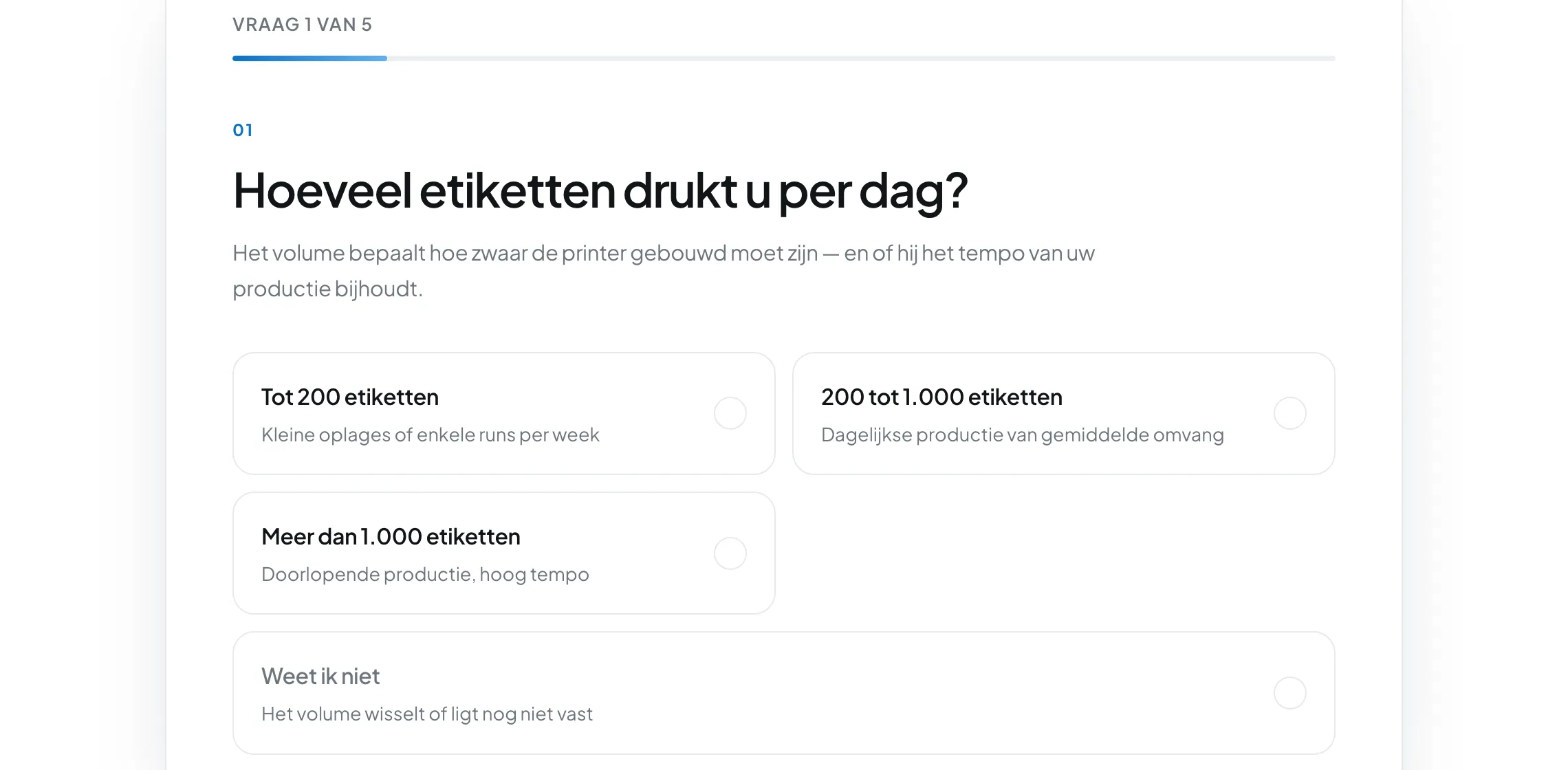
The question we get most often is also the hardest to answer in a single email: which printer do I need? The answer depends on four or five things that a customer often has not pinned down yet.
That is why there is now a selection guide on our site: an interactive questionnaire that brings you to the right model in five short steps, with the reasoning alongside. Free, without obligation, and without having to leave your details first.
How it works
You get one question per screen. As soon as you click an answer, the tool moves on to the next question by itself. A bar at the top shows how far along you are, and “Previous question” always takes you back.
The five questions are:
- How many labels do you print per day? Up to 200, between 200 and 1,000, or more than 1,000.
- Where does the label finally end up? Indoors in a dry environment, in moisture or refrigeration, or outdoors and in contact with chemicals.
- How long does it have to stay legible? Days to weeks, or months to years.
- How wide is your label? Up to 203 mm, between 203 and 216 mm, or wider than that.
- What material do you print on? Paper, PP or PE.
Every question also offers “I do not know”. That is not a fallback but a full answer: the tool then simply skips that criterion. If you know the answer to three of the five questions, you still get a sensible recommendation.
What you get back
At the end you see one model large on screen, with a photo, the key details — width, ink type, whether it meets BS5609, price segment — and a list of reasons why this model suits you. Those arguments are not general sales talk: they follow literally from your answers. If you choose “wider than 216 mm”, you read why that criterion rules out all the other models.
If a second model comes close, we show it underneath as “also an option”. And if no machine can meet all your requirements, the tool says so honestly instead of forcing something.
Just before the result we ask whether you would also like the advice by email. You are free to skip that — there is an equally clear button “Do this later, show my result now” beside it.
Why this makes the choice easier
The order in which the tool weighs things up is the same one we use around the table: first the width of your label, because that criterion rules models out outright. Then the volume per day. Then the ink type, because a label that has to last years calls for pigment ink. Then GHS and outdoor use. And only if several machines are still left after that do we let the price decide.
That order is exactly where comparing on your own often goes wrong. Anyone who starts with the price or the speed discovers too late that their label does not fit the machine.
At the end: your answers come along
If you find the result convincing, the “Request a quote” button takes you to the contact form — with your answers already filled in. So you do not have to explain again what you print and how much.
Still not sure? Then you can run through the test again with different answers, or simply put your situation to us. A tool does not know your label; we are glad to look at it ourselves.